Minimum Viable Firm Tech Stack for a Growing Tax Practice
Integration matters more than tool count for tax practice growth.
A growing tax practice doesn't fail because it lacks technology. It fails because the technology it has doesn't talk to itself. Industry research on accounting firm technology has found firms manage multiple overlapping digital tools, and a large share of respondents consistently say better integration is needed for growth. Eight tools isn't the problem. Eight tools with overlapping, undefined jobs is the problem, and this piece lays out what a minimum viable stack actually looks like: not the fewest tools possible, but the fewest categories needed to cover a tax engagement start to finish with no gap and no redundancy.
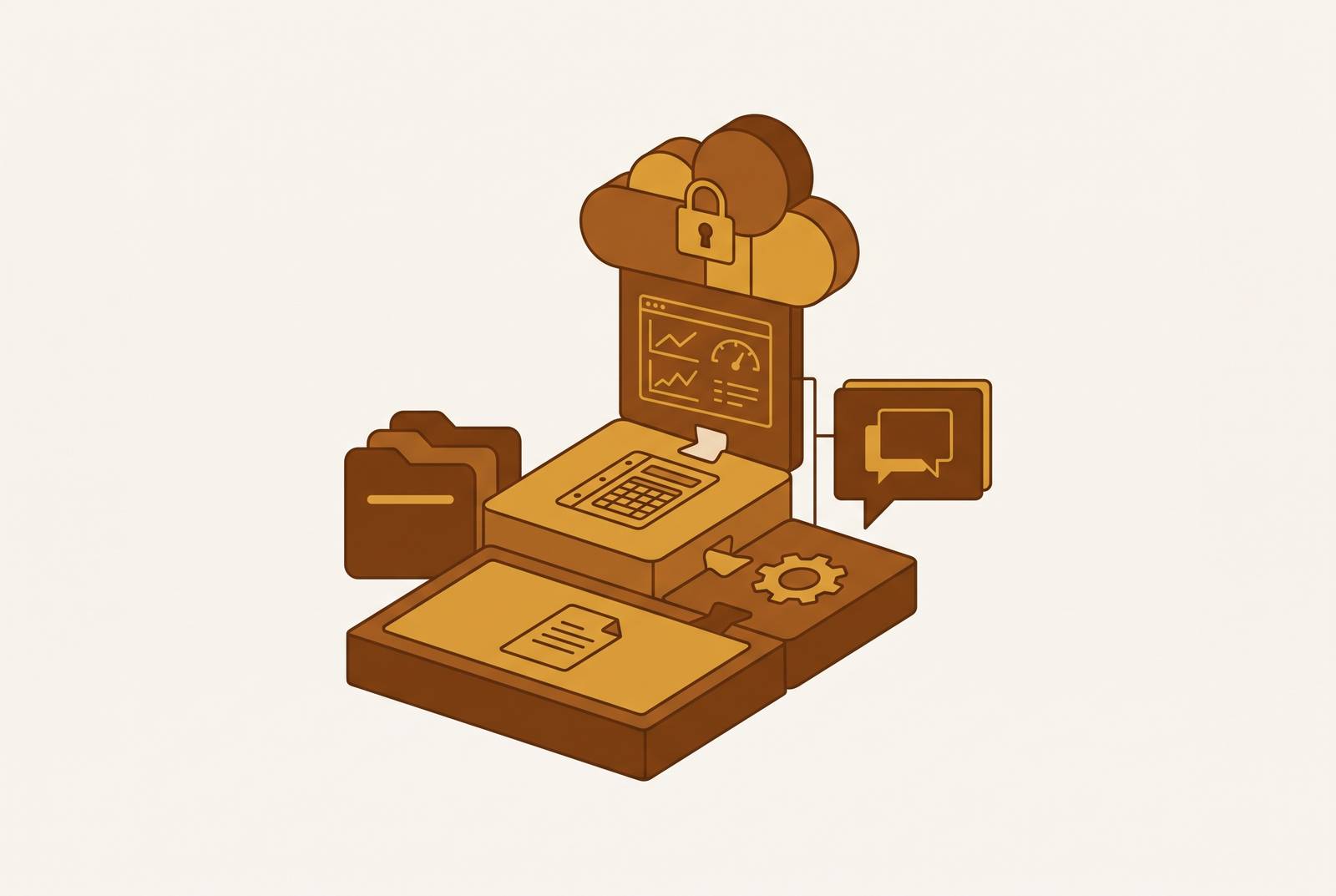
The five layers are tax preparation software, practice management, client portal and document handling, billing and payments, and AI automation. Tax preparation software is the computational core that computes, files, and handles compliance; practice management sits on top of it to run workflow, communication, and operations. Client portal and document management close the client-facing gap so nothing travels by email or paper; billing and payment tools then automate the arc from a signed engagement letter to payment collected, without a manual handoff. AI and automation handle what remains: intake, document review, compliance checks, and first-draft communication, clearing repetitive work so practitioners spend their time on judgment calls rather than mechanics.
The staffing math makes this more than a preference. Industry surveys have found a large share of CPAs are at or near retirement age, and federal labor projections point to tens of thousands of accountant job openings a year. Firms are going to keep growing with leaner teams. Every dollar spent on software has to earn its keep. Five layers do that: tax preparation, practice management, client portal and document handling, billing and payments, and AI automation. The order matters. Each layer only works if the one before it is stable, so this piece moves through them in the sequence a firm should actually build them.
Layer 1: Tax preparation software, the computational core everything else feeds
Start with a distinction that gets muddled constantly: tax prep software computes, files, and handles compliance. Practice management software handles workflow, communication, and operations. Confuse the two and you end up buying the wrong product for the wrong problem.
Desktop isn't dead, whatever the cloud-marketing decks suggest. Wolters Kluwer, citing an AICPA survey of more than 2,000 members, found over 71% of firms still run tax prep software from a local hard drive or network. Cloud adoption is climbing, but the choice between cloud-native and desktop-hosted remains a real architectural decision, not something firms can skip past.
The 2025 AICPA Tax Software Survey, reported in The Tax Adviser, names the major players: ATX, CCH Axcess Tax, and CCH ProSystem fx from Wolters Kluwer; Lacerte and ProSeries from Intuit; UltraTax CS from Thomson Reuters; and Drake Tax from Drake Software. Fit depends heavily on firm size and return complexity.
Solo and small firms lean toward Drake Tax and ProSeries, according to that same AICPA survey. Drake Tax led overall user ratings at 4.4, and its multi-user plan with unlimited filing, is a strong deal for firms doing volume work. It does trail on integration though: the survey put the average integration score across products at 3.3, and Drake came in at 3.0. Know this before you build the rest of the stack around it.
Mid-size firms tend to land on UltraTax CS. According to accounting.com, it was the most-used tax prep software among CPAs, at 22.6% of respondents, and it holds up well on complex returns, handling partnerships, estates, and trusts at a filing volume that punishes a weaker platform. Lacerte offers deep form coverage and strong diagnostics, plus tight integration with QuickBooks Desktop, but it's desktop-based (hosting is available), can run expensive, and doesn't suit a firm that's committed to going fully cloud-native. CCH Axcess Tax is the strongest cloud option for firms that also want integrated firm management inside the Wolters Kluwer ecosystem. ProSeries handles a wide range of return types capably, though users report recurring friction around technical support response times, interface glitches, and pricing that isn't always transparent upfront.
Two complaints appear regardless of platform, per the AICPA survey. Price is the dominant one, flagged by roughly 62% of respondents. Training is the other: a large share of users reported getting no formal training from their provider, even though most of them needed technical support during filing season. Budget for self-directed onboarding, because the vendor probably won't hand it to you.
Before moving to Layer 2, note two things about whatever platform you land on: its integration score, and whether it's cloud or desktop. Practice management has to connect cleanly to this core, and that connection is only as good as what the tax software allows.
Generic project tools like Asana or Monday.com track tasks. Genuine practice management software tracks a tax engagement: accounting-specific workflow templates, compliance deadline tracking, client portals, time and billing, capacity reporting, built around how returns actually move through a firm rather than how a generic project moves through a generic team.
Before evaluating any product, firms need to ask whether the pain is fragmentation across the whole operation, with workflow, communication, documents, and billing scattered in different tools, or whether it comes from one broken process, like deadlines slipping. That answer decides whether an all-in-one platform or a narrow, focused tool is the right purchase.
For firms drowning in fragmentation, a full-suite platform makes sense. Financial Cents starts at $19 a month per user, covering workflow, a client portal with secure uploads and e-signature, time tracking, billing, proposals, capacity planning, and some AI tooling. It's built for fast adoption and works well as an entry point for a new or solo firm, though it has no native client mobile app. Jetpack Workflow, rated 4.8 stars from over 50 reviews and starting at $40 a month per user, is narrower still: deadline tracking and recurring task management, no client portal, no mobile app. It's not trying to be a suite, and that's the point, it's the right tool if deadline visibility is the only real gap. Mango, at 3.9 stars from around 60 reviews and $35 a month per user, covers task management, document storage, and basic billing with a client portal built in, though it's the smallest feature set of the group. Pixie, rated 4.8 from 32 reviews, starts at $129 a month priced by client count rather than user seats, which suits a small team expecting to add headcount; it offers a web-based portal along with Android and iOS apps.
For established firms with complex billing structures and governance needs that outgrow the smaller tools, Thomson Reuters Practice CS or the CCH Axcess ecosystem tend to fit better: broader integrations, deeper reporting, and a heavier lift to implement.
Whatever gets chosen here shapes what Layer 3 needs to do. If the practice management tool already has a strong client portal, the next layer becomes a complement rather than a replacement.
Layer 3: What does a client portal and document management layer need to do in a growing tax practice?
Internal workflow can run perfectly and still fall apart at the client's end. Documents show up by email instead of the portal, clients mail paper because that's what they've always done, or a signed return goes out in a way that doesn't satisfy IRS e-signature requirements. Layer 3 exists to close those gaps: secure inbound document collection, organized storage with version control and retention policies, and compliant return delivery with e-signature.
Some tools solve the "final mile" problem specifically. One category-leading platform in that space focuses on assembling, delivering, and e-signing completed returns, along with collecting signatures and payment at delivery, and has been recognized repeatedly with industry technology awards. That's a fit for firms whose specific weak point is delivery.
SmartVault takes a different angle: it's a document management and client portal platform with confirmed integrations across UltraTax CS, Lacerte, ProSeries, ProConnect, and Drake, which makes it a reliable bridge between whatever tax prep software a firm chose in Layer 1 and a secure, client-facing document layer. It also automates retention policies and filing, which matters more than it sounds like once a firm is carrying several years of client records.
Liscio takes the opposite approach, building around the client's actual experience: a clean mobile app, secure messaging, a portal people use without being nagged into it. For firms whose real portal problem isn't missing features but low client engagement, that consumer-grade interface is the argument for choosing it over something more feature-dense but less used.
The decision logic here is layered on top of Layer 2's choice. If practice management already includes a portal, check whether it handles compliant return delivery before adding a specialist tool for that. If the tax prep platform integrates natively with a document management tool, that tool covers the ground without duplicating anything. If adoption is the actual problem, look for the interface clients will use rather than the one with the longest feature list.
Get Layers 1 through 3 right and nothing should be traveling by email or paper anymore. That closed loop is what makes Layer 4 possible, because the engagement is already formalized by the time billing enters the picture.
Layer 4: Billing, engagement letters, and payment collection, closing the engagement without a manual handoff
Most workflow tools can track time and spit out an invoice. Fewer automate the whole arc from a signed engagement letter to payment landing in the firm's account without anyone chasing it. That gap, between "invoice sent" and "payment received," is where a firm's cash flow actually breaks down, and it splits into two distinct problems.
The front of the engagement covers the proposal, the scope, the engagement letter, and the client's signature, and all of it needs to happen before work starts, not sometime after the return is half-finished. The back of the engagement covers invoice delivery, payment collection, and reconciliation, and it needs to run automatically rather than depend on a staff member remembering to follow up.
One tool built specifically around the front end, Ignition, automates the engagement, billing, and payment sequence from the moment a client signs a proposal. It reports that the large majority of payments processed through the platform are collected automatically, has been in the market for a number of years, serves over 8,000 customers globally, starts at $39 a month flat, and holds a 4.7-star rating from more than 150 G2 reviews. It's the right pick when the bottleneck is formalizing the engagement and getting paid automatically, not general practice management.
CPACharge, now operating as 8am CPACharge, takes the payment-processing angle instead. It's built specifically for the accounting profession, endorsed by a number of state CPA societies, and accepts credit cards, debit cards, and eChecks. Its optional client financing tool lets a client pay in installments while the firm still gets paid in full up front, and its design leans hard into compliance, addressing trust accounting requirements that generic payment processors don't touch. That's the tool to reach for when the actual gap is the payment infrastructure itself, the security, the compliance endorsement, the financing option, rather than proposal automation.
Some practice management platforms already include billing and payment collection, so there's real overlap to watch for here. But a firm can run a proposal-automation tool alongside a compliance-focused payment processor without redundancy, as long as each one's job is clearly defined and neither is duplicating what the practice management platform already handles.
Once billing and payments run without manual intervention, whatever manual work is left in the practice concentrates in three places: client intake, document review, and compliance verification. That's exactly the territory the last layer covers.
Layer 5: AI and automation tools, handling the repetitive back-end so practitioners work on what requires judgment
Even a firm with strong practice management, a working document portal, and automated billing still burns hours on work that's repetitive and rule-based: reviewing intake documents, checking for missing information, flagging compliance issues before a human ever needs to weigh in. That's time not spent on the advisory work clients actually pay a premium for.
The profession has largely settled on this being necessary rather than optional. Industry research has found a large majority of accountants say technology cuts the time spent on compliance work and frees them up for more strategic advisory conversations, with a significant share believing firms that don't adopt new technology will struggle to grow. That's not a fringe opinion anymore, it's close to consensus.
In practice, this layer does four concrete things. It automates client intake: collecting structured information, triggering document requests, following up on missing paperwork without a staff member having to remember to send the email. It handles document review: reading what clients upload, pulling out the relevant data, flagging anomalies or missing fields before a preparer opens the file. It runs compliance checks: cross-referencing a return against known rules and surfacing likely errors or notices before the return ever gets filed. And it drafts communication: first-pass client messages, plain-language summaries of dense documents that a preparer can edit rather than write from scratch.
None of this replaces judgment. It clears the repetitive work off a preparer's desk so the judgment calls, the parts of the job that actually require a CPA's training, are what's left. That's the throughline across all five layers: each one exists to remove a specific kind of friction, in a specific order, so that by the time a return reaches a human's eyes, nearly everything mechanical about getting it there has already happened without anyone touching it twice.